
Wireless mechanical keyboards
Wireless mechanical keyboards connect by Bluetooth, by a small 2.4 GHz USB receiver, or both, and nearly all of them still work over a cable when the battery runs down.
Bluetooth is the convenient one: no receiver to lose, and many boards remember several devices so you can switch between a laptop, a tablet and a phone with a key combination. A 2.4 GHz receiver gives a steadier, lower-latency connection, which is what you want for games. Boards with both are the most flexible.
Things to check: battery size and how long it lasts with the lighting on, which can be a small fraction of the figure with lighting off; whether the board charges and works over USB-C at the same time; and whether the remapping software works while wireless. Our wireless guide goes through each of these.
Prices include VAT. Sound tags are our summary of what owners and reviewers report, not measurements.
47 keyboards
Filter these by price, switch and more- 75%
- 100%

- 96%

- 100%

- TKL

- 75%

- Alice

- 100%

- 75%

- TKL

- 96%

- 100%

- TKL

- 75%

- 75%

- TKL

- 96%

- 1800

- 65%

- 75%

- 75%

- 75%

- 75%

- 75%Discontinued

- 96%Discontinued

- 100%
- 60%
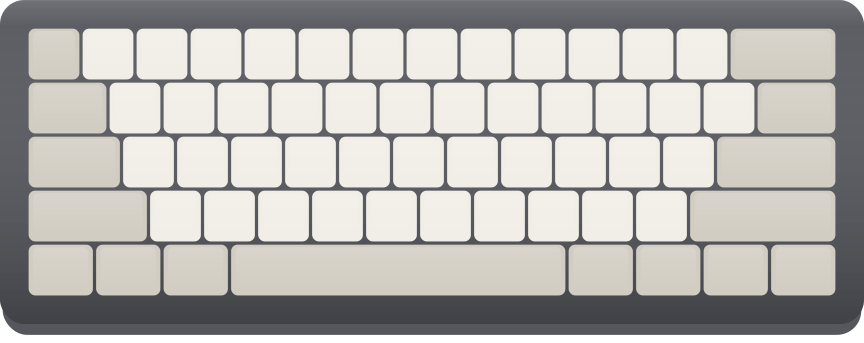
- 75%
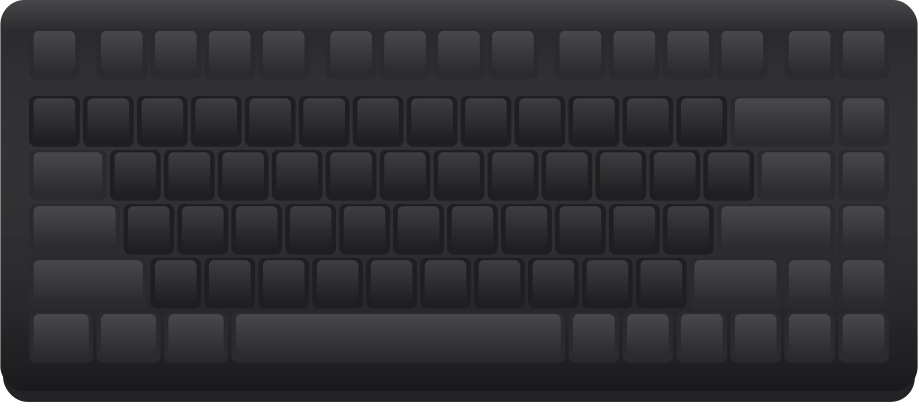
- 96%
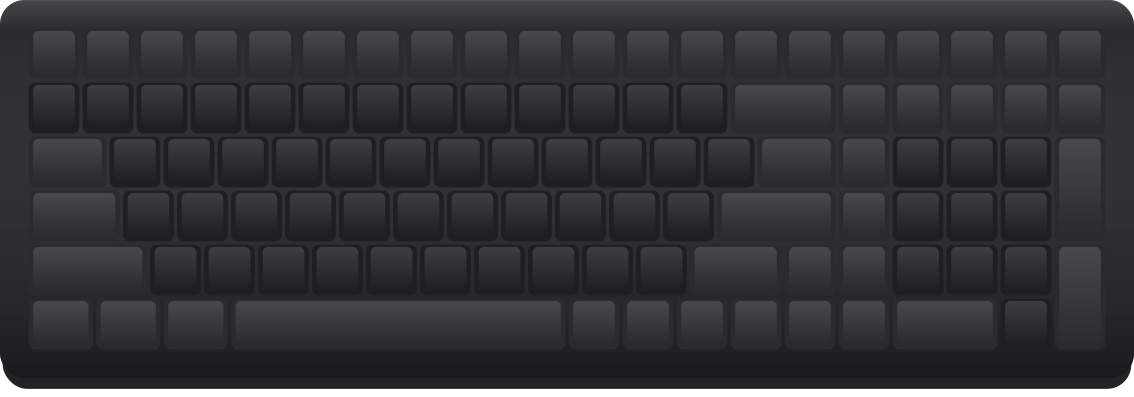
- 75%
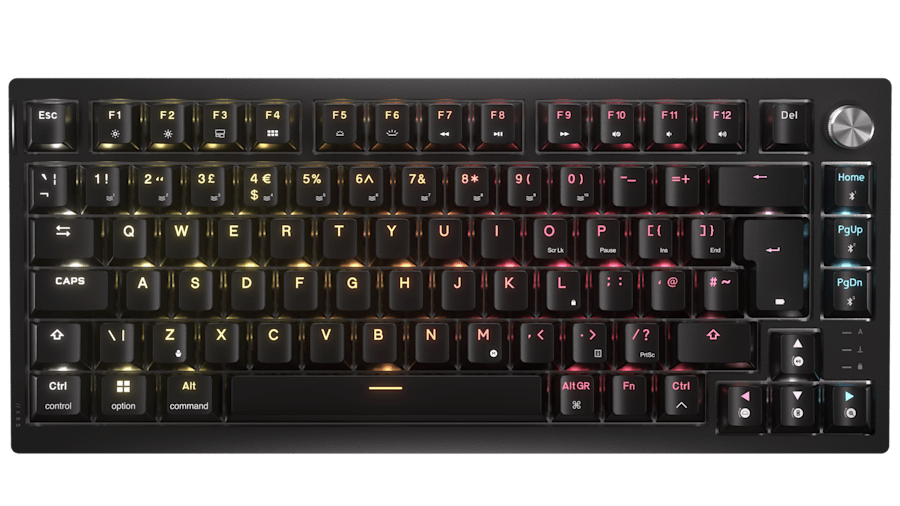
- TKL
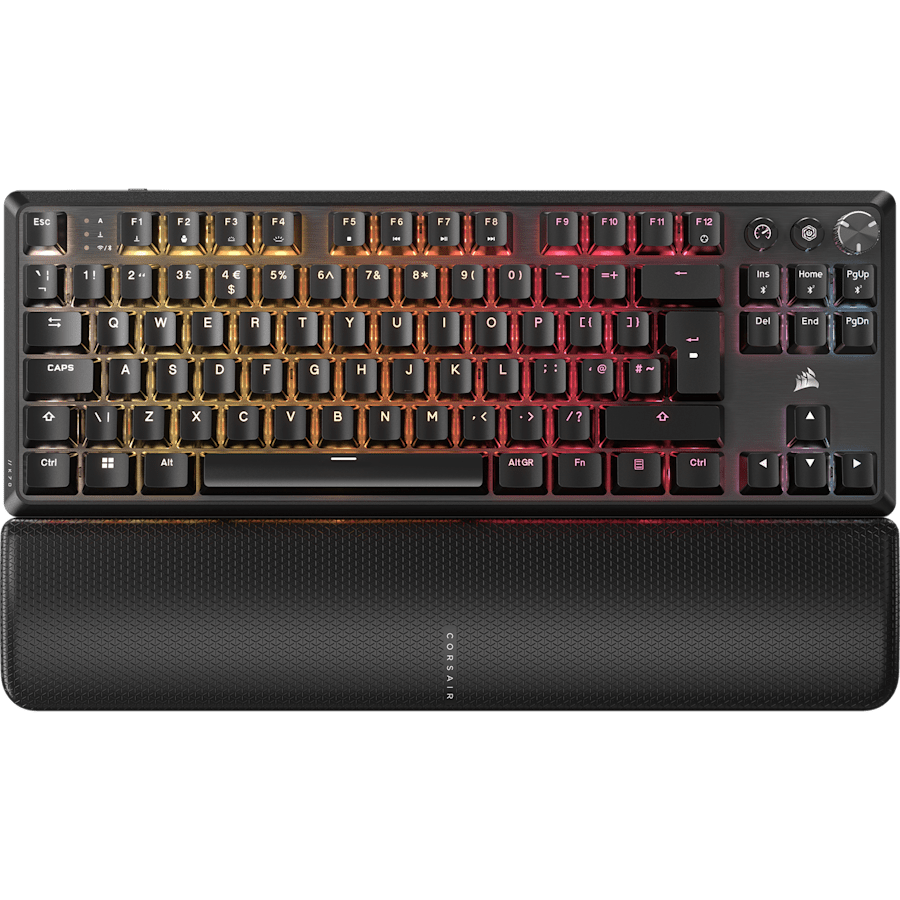
- 96%
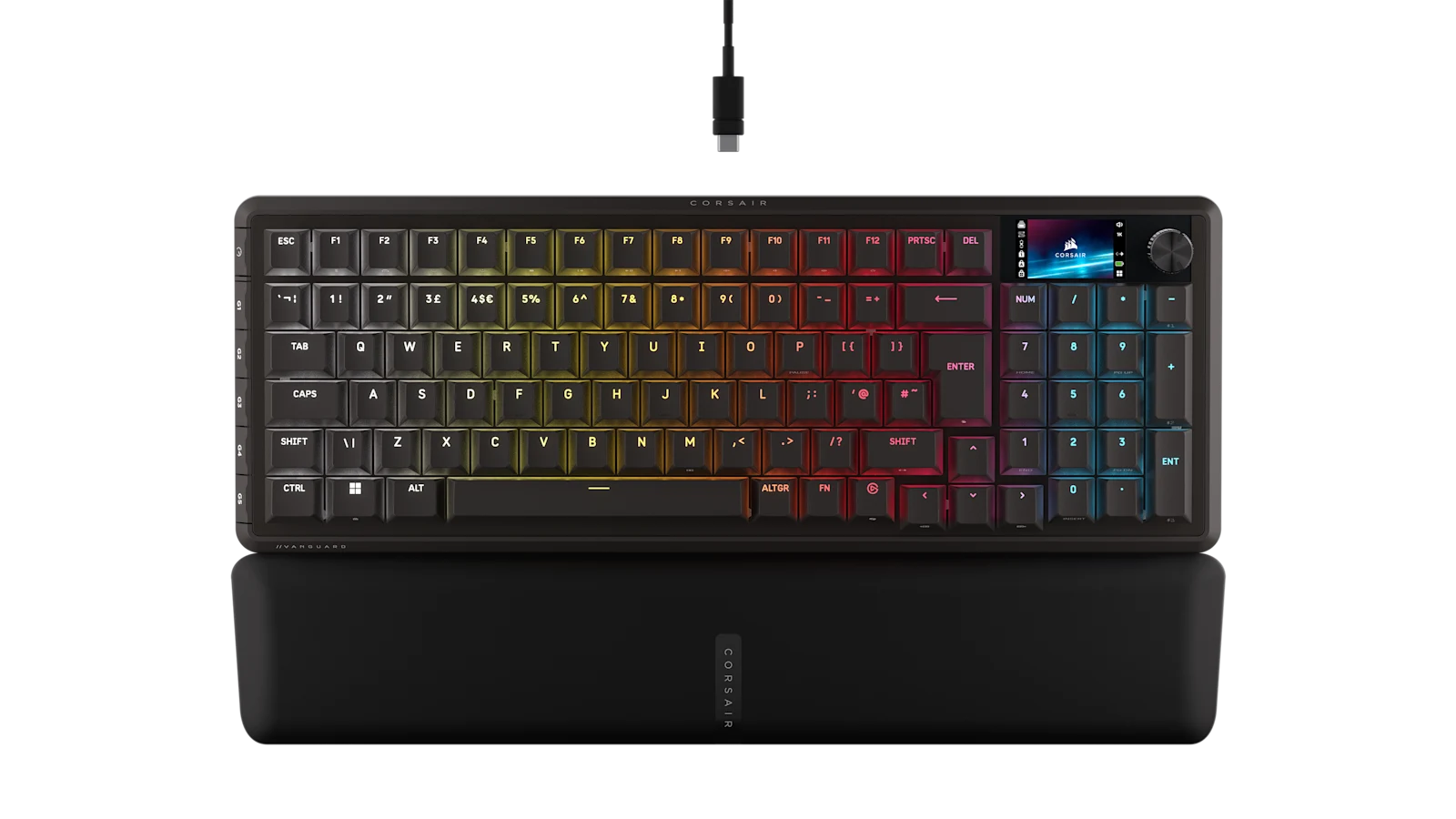
- 96%
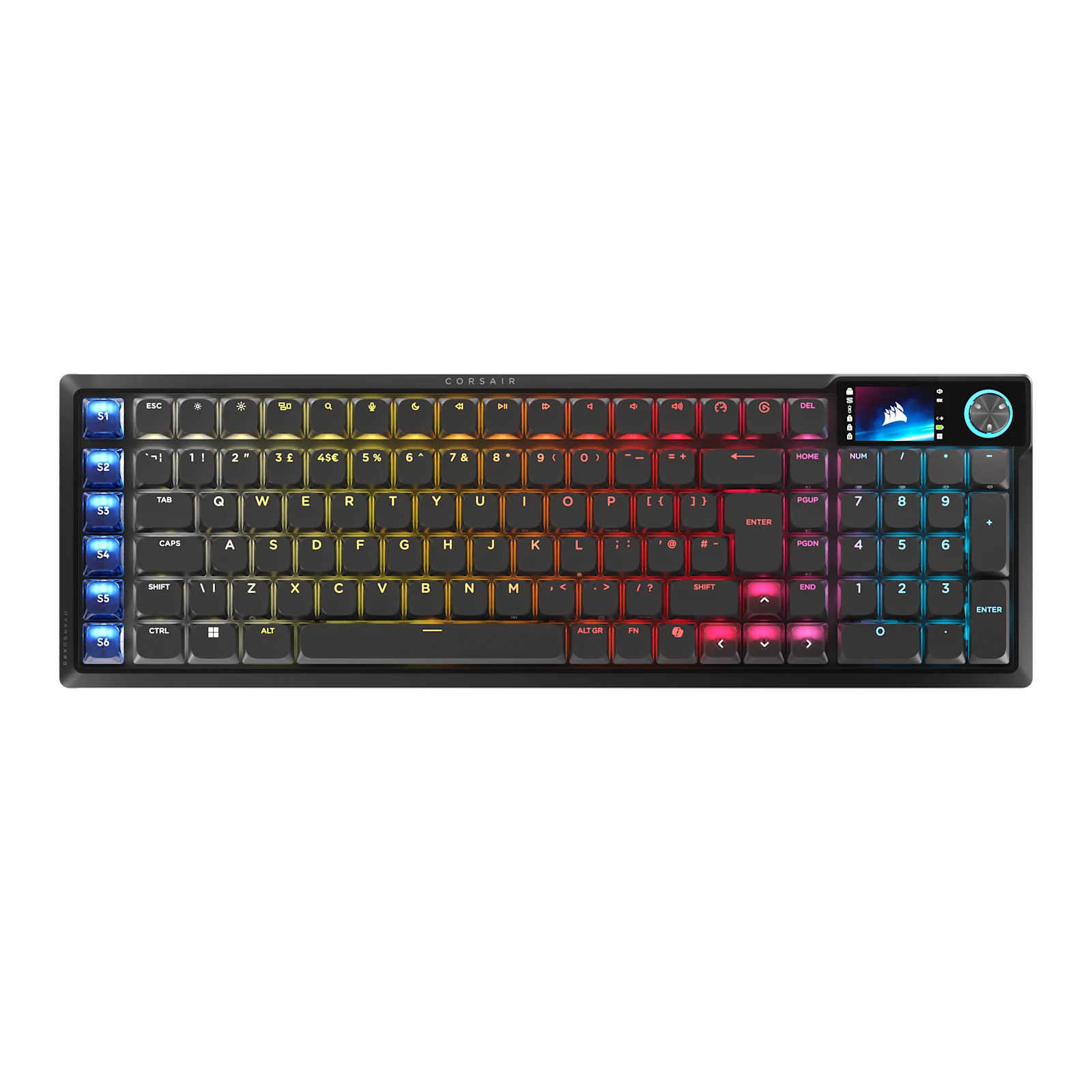
- Split
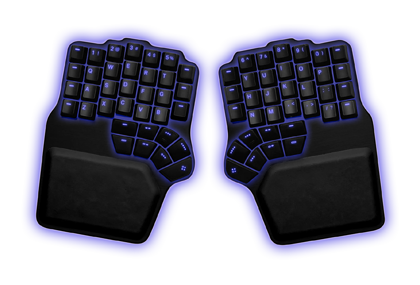
- Alice

- 75%

- 100%

- 65%

- 75%Discontinued

- 75%
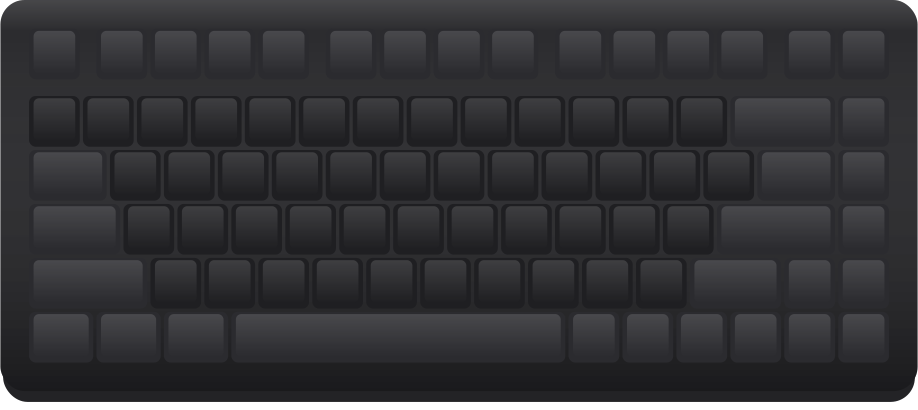
- 96%

- 60%

- 100%

- 60%
- 100%
- 75%
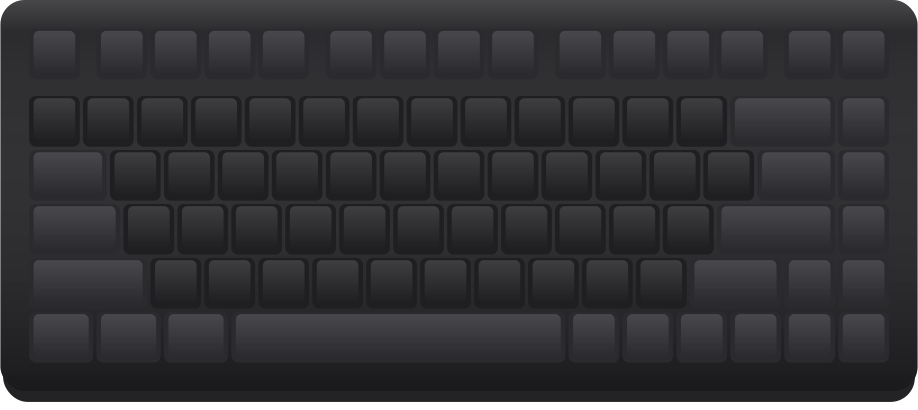
- 100%
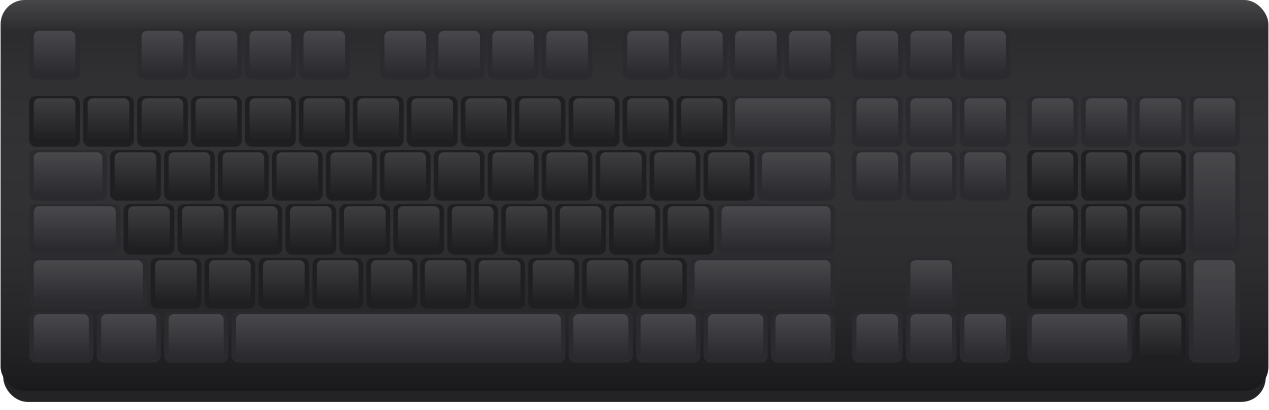
Guides
- Wireless mechanical keyboards: Bluetooth, 2.4 GHz and battery lifeBluetooth or a 2.4 GHz dongle, what battery figures mean, latency for gaming, and which wireless boards in our catalogue suit which desk.
- Mechanical keyboards for MacUsing a mechanical keyboard with a Mac in the UK: Command and Option placement, British or British PC, keycaps with Mac legends, and boards that suit.