Your build
Compatibility
1 problem to fix
Some of these parts won't work together. Each problem is explained below.
Base
A barebones kit, or a case and PCB. Most loose-part builds add a plate too.
Barebones kit
Choose a barebones kitOptional. A case, PCB and plate sold together, usually with stabilizers. The simplest way to start.
Case
Choose a caseSets the size, the weight and how the insides are mounted, and shapes a lot of the sound.
PCB
Choose a PCBThe circuit board. It decides hot-swap or solder, which layouts you can use, and the firmware.
Plate
Choose a plateOptional. Holds the switches in line. Brass and aluminium feel firm; polycarbonate and FR4 flex more.
Feel
Switches and keycaps, plus stabilizers when you're building from loose parts.
Switches
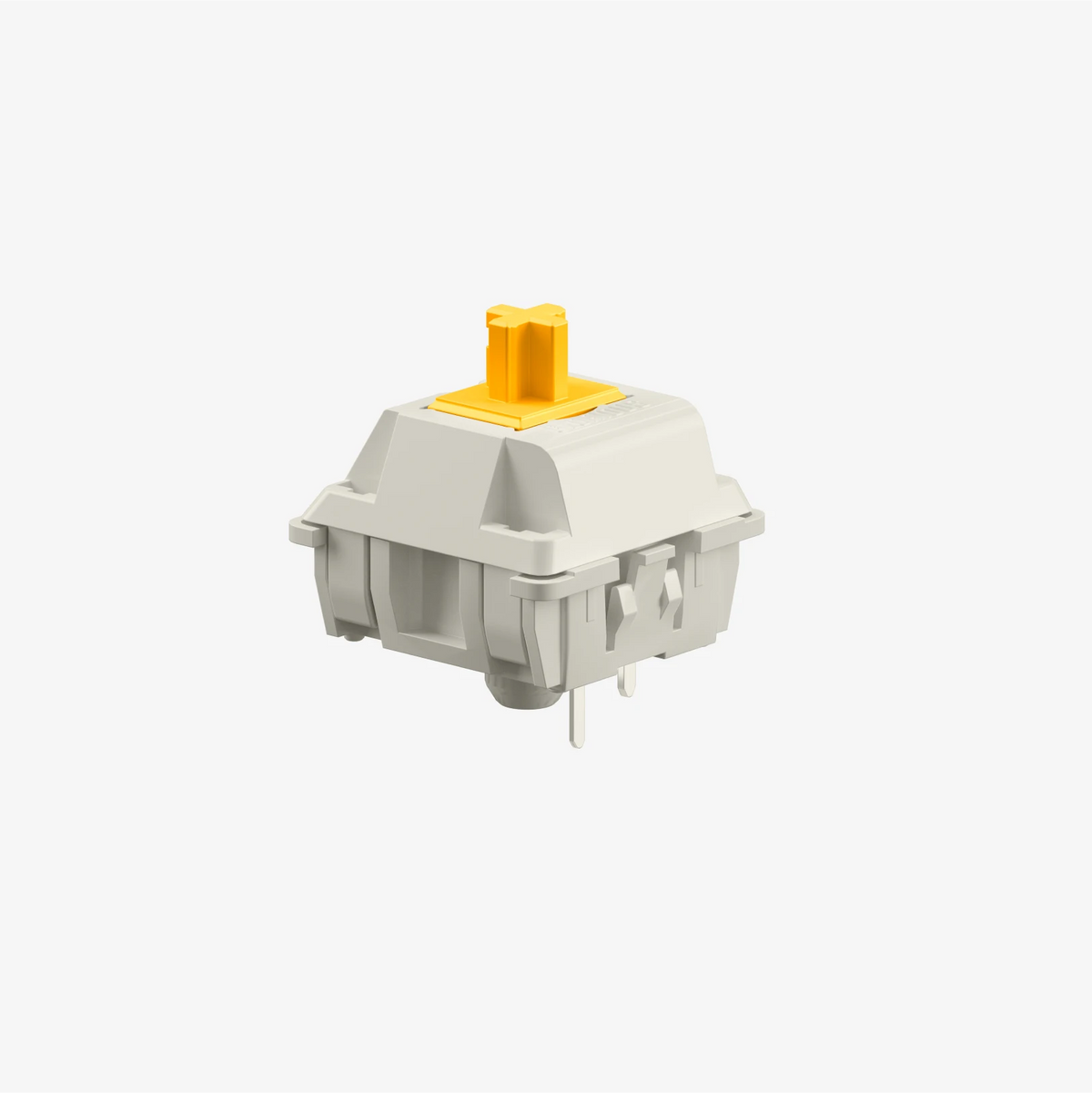
- Won't fit: FKcaps MBK Legend Glow use CHOC-V1 stems, which don't fit Glorious Panda (MX stem).
Keycaps
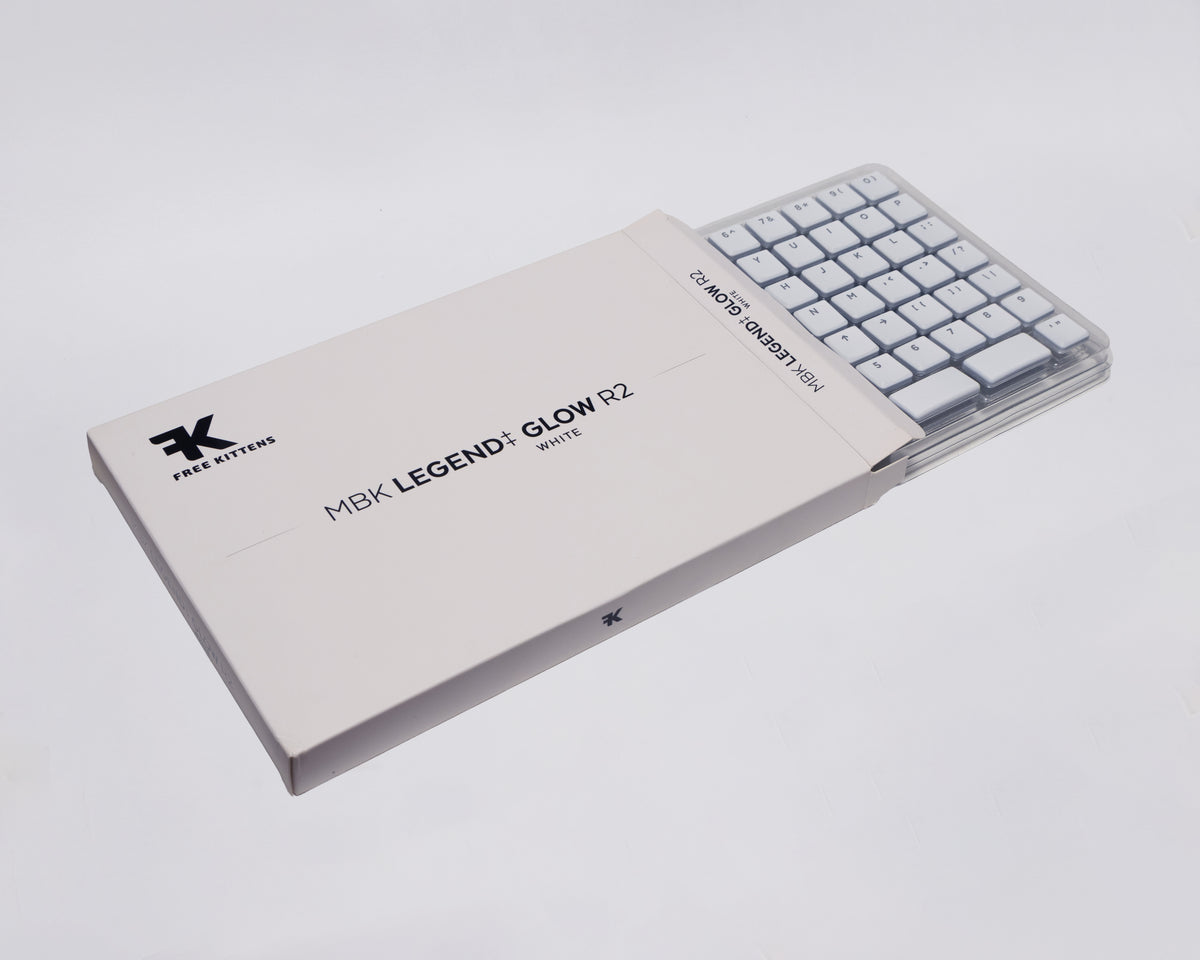
- Won't fit: FKcaps MBK Legend Glow use CHOC-V1 stems, which don't fit Glorious Panda (MX stem).
Stabilizers
Choose stabilizersKeep the long keys (space, Shift, Enter, Backspace) level and stop them rattling.
Extras
All optional.
Foam & mods
Add foam or modsOptional. Case and PCB foam to take out hollowness and ping.
Cable
Choose a cableOptional. USB-C cables: coiled, aviator or plain.
Tools & accessories
Add tools and accessoriesOptional. Switch pullers, openers, lube and brushes.
1 problem to fix
≈£90